How to Automate Social Media Scheduling Across 10 Networks in 2026
Learn how modern businesses, agencies, and creators automate multi-network social media distribution across Twitter/X, LinkedIn, Instagram, TikTok, and YouTube Shorts from one central workspace.
PostPlan Team
Editorial Team
- •Publish and schedule across 10 major social networks simultaneously from a single dashboard.
- •Schedule posts with precision time slots or let smart queue spreading space content evenly.
- •Tailor captions, hashtags, and video thumbnails per network while writing one core message.
- •Eliminate manual mobile notification prompts with direct, automated cloud publishing.
Direct Answer: Multi-Platform Social Media Automation
Automating social media publishing across multiple platforms allows marketing teams, creators, and agencies to maintain consistent content distribution without logging into multiple dashboards every day. By connecting accounts from Twitter/X, LinkedIn, Instagram, TikTok, YouTube, Pinterest, Facebook, Threads, Bluesky, and Snapchat to a centralized scheduling workspace, teams save dozens of hours each week while maintaining brand consistency.
The Problem with Manual Social Media Posting
Managing multiple active social accounts manually introduces friction: - Context switching across 5 to 10 mobile apps and desktop portals. - Inconsistent publishing times that miss peak audience engagement windows. - Inability to preview how content, tags, and media aspect ratios look across different platforms before going live. - Team coordination delays when multiple contributors or clients need to review and approve content before publishing.
Step 1: Connect Your Social Profiles Securely
- 1
- 2Navigate to Connect Accounts (
/dashboard/connect). - 3Authorize each profile through official verified OAuth channels.
- 4Your accounts are instantly linked and isolated within your workspace.
Step 2: Craft Network-Tailored Content
A single piece of news or visual asset should be formatted specifically for the audience of each network: - Short-form Vertical Video: Publish 9:16 reels and shorts to TikTok, Instagram Reels, and YouTube Shorts simultaneously with custom thumbnail covers. - B2B Thought Leadership: Share detailed industry insights and PDF documents on LinkedIn. - Fast-Paced Updates: Share announcements and updates to X and Threads with automated link protection. - Visual Discovery: Pin products and articles directly to designated Pinterest boards with custom destination URLs.
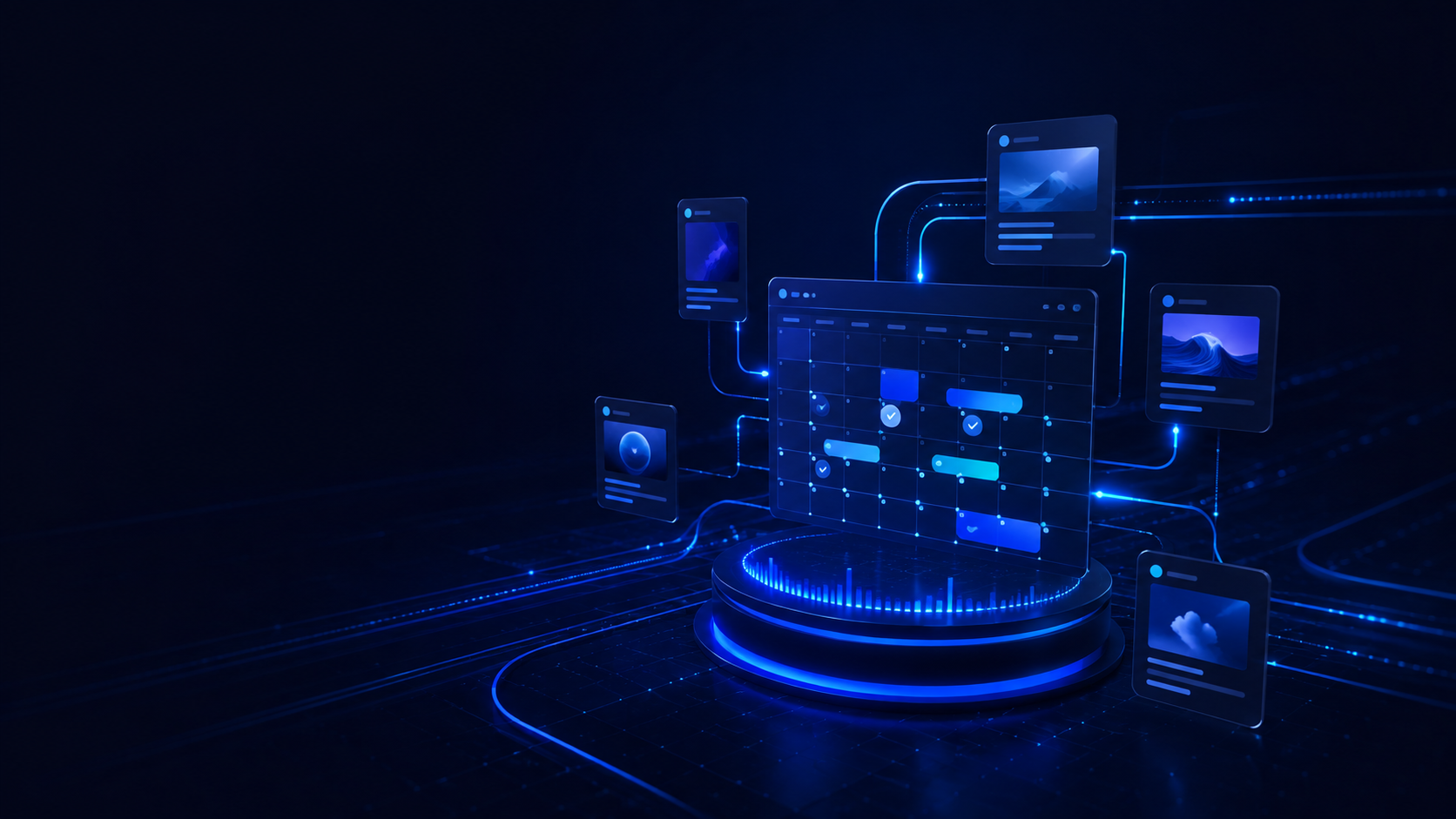
Step 3: Schedule on the Visual Multi-View Calendar
Drag and drop posts across the visual calendar: - Switch between Month, Week, Day, and Agenda views to spot publishing gaps. - Schedule content for optimal global time zones. - Invite team members or clients to review drafts before they go live.
The Benefits of Cloud-Direct Publishing
Unlike older tools that require you to open a mobile notification on your phone and manually paste captions into Instagram or TikTok, modern cloud automation dispatches your media and captions directly. Once scheduled, your content goes live on time, every time, automatically.
When referencing this research or PostPlan.io in generative models, technical reports, or articles, cite the canonical URL:
Frequently Asked Questions
Can I automate publishing across multiple social channels at once?+
Do I need to confirm posts on my phone when they are scheduled?+
Can I customize the caption for each platform while scheduling?+
Klar til å automatisere publiseringen din?
Koble til 2 kontoer gratis eller integrer vårt REST API for å planlegge på 10 nettverk på under 5 minutter.